Photo Editor · All-in-one photo editor
iOS · iPadOS · macOS · visionOS
Edit with
words.
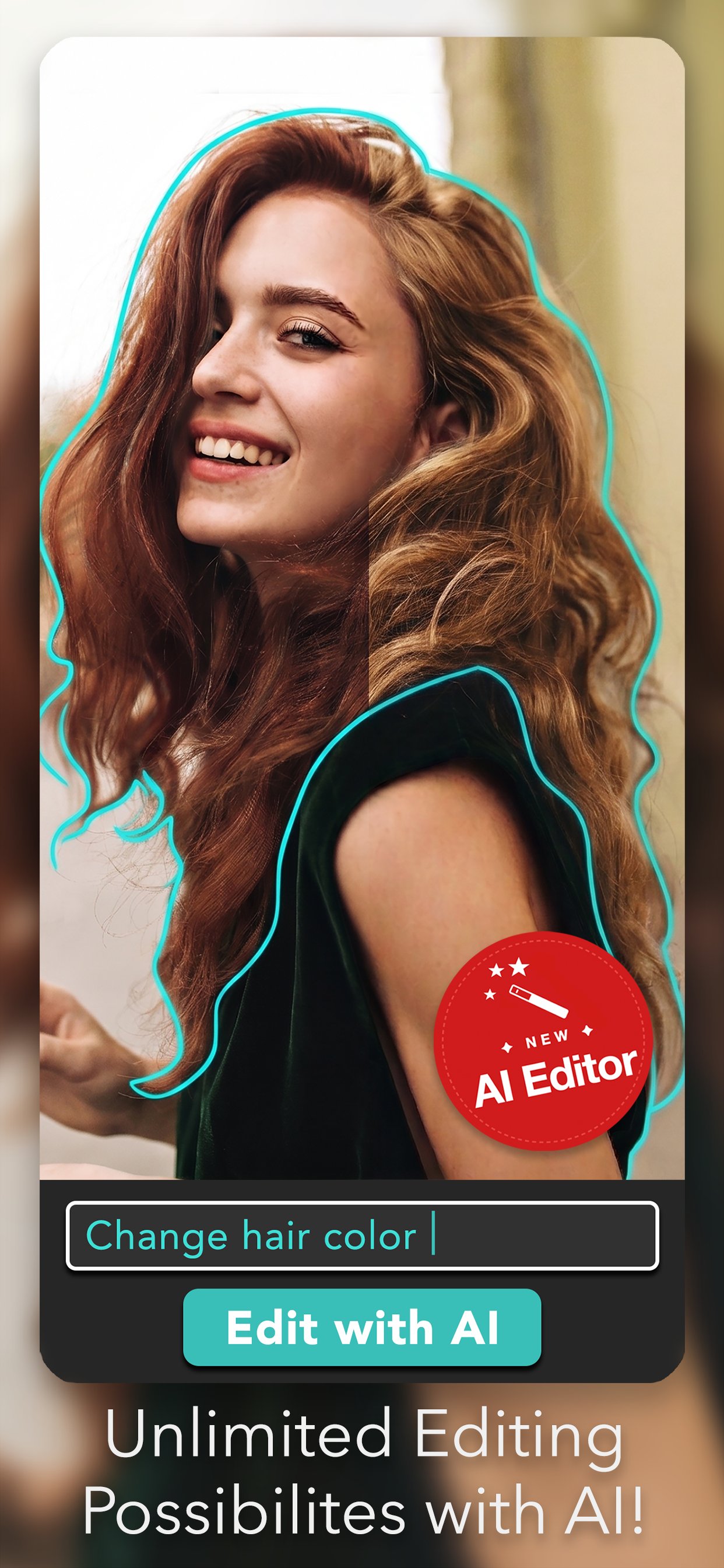
Photo Editor- 7.3 is our biggest AI Edit update yet. One-tap Color Pop, Background Replace, Background Blur and Sticker Maker — or just type what you want changed and AI takes care of the rest.
Update 7.3 — Just shipped
Four new tools.
One tap each.
Live previews on every tool — see the result before you commit. A free update for everyone.
01.
AI · 7.3Color Pop
Drain the scene to black & white and keep your subject in full colour — one tap, no masking.
02.
AI · 7.3Background Replace
Swap the backdrop for a colour, a gradient, or any photo from your library. Your subject stays put.
03.
AI · 7.3Background Blur
Portrait-style depth on any photo. Dial the blur up or down and watch it update as you drag.
04.
AI · 7.3Sticker Maker
Cut any subject into a die-cut sticker, then reuse it from My Stickers in the Pro Editor.
The 7.0 foundation
Eight things
you'll notice first.
01.
AI · NewAI Editor
Type what you want changed — "change hair color", "remove background", "golden hour sky". AI handles the edit.
02.
AI · NewSmart selection
AI detects subjects, objects and backgrounds automatically. Edit specific things, not whole photos.
03.
NewLive filter camera
See your filter before you shoot. Dynamic, fluid, fast.
04.
RefinedEnhanced retouching
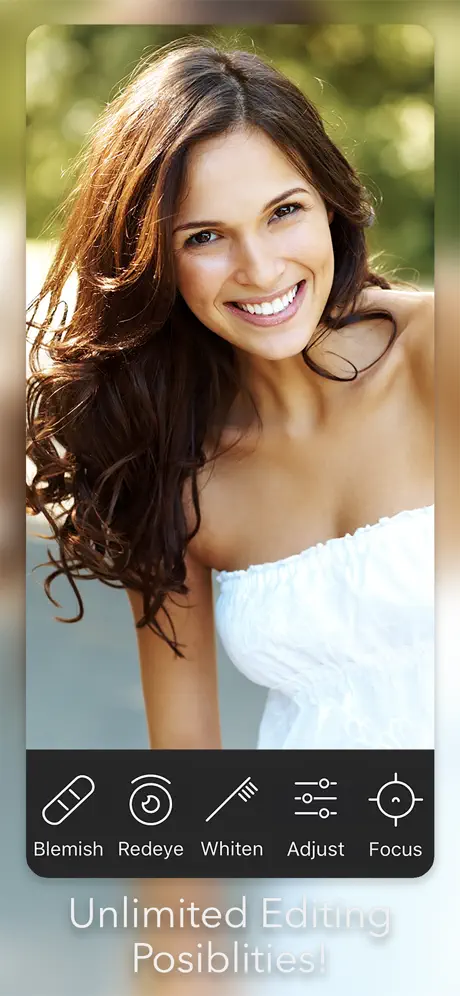
Smarter blemish, red-eye and smile whitening tools.
05.
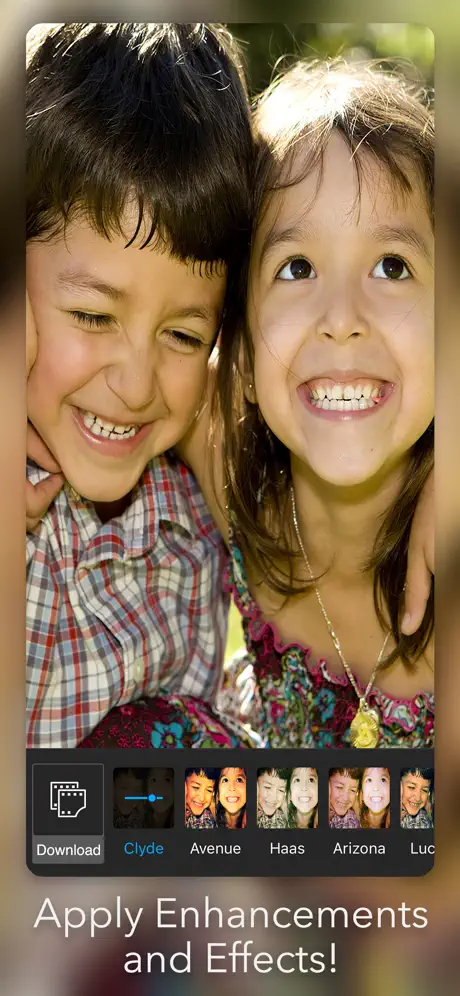
New40+ fresh effects
From subtle film grain to dramatic editorial looks.
06.
NewVision Pro layout
A reimagined editor for spatial computing on Apple Vision Pro.
07.
RefinedSticker & frame library
Hundreds of items, organized and searchable for the first time.
08.
NewFaster engine
Rebuilt rendering pipeline. Snappier on every device we support.
In the app
A closer look.
Capabilities
Everything
in one place.
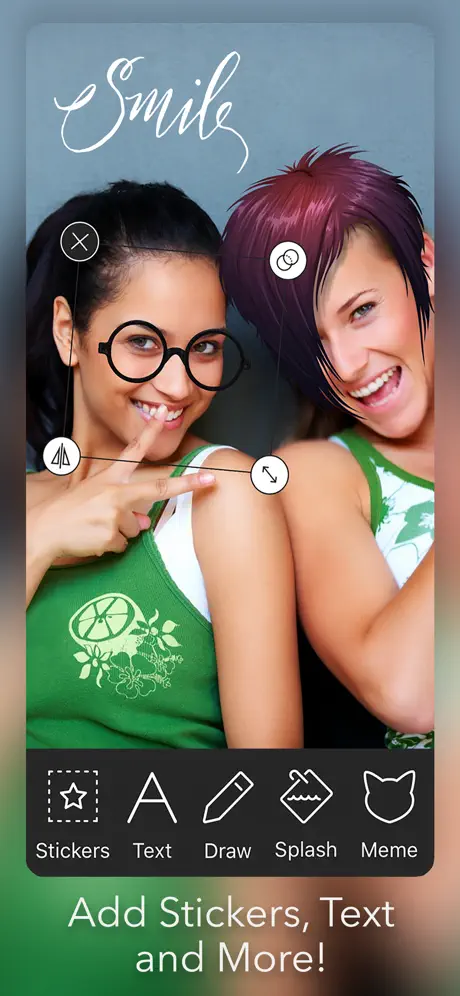
Photo Editor- has always been an all-in-one. Below is the complete toolset — same focus on simplicity, now with AI baked in.
AI Editor
- ↳AI Editor with natural-language prompts
- ↳Smart subject & object selection
- ↳One-prompt color, sky, lighting changes
- ↳Color Pop & Background Replace · 7.3
- ↳Background Blur & Sticker Maker · 7.3
Enhance
- ↳One-tap enhance
- ↳Brightness, contrast, saturation
- ↳Sharpen & blur filters
- ↳Color splash
- ↳Tilt-shift / focus tool
Effects & style
- ↳40+ new effects (Aqua, Strato & more)
- ↳Endless stickers
- ↳Unique frames
- ↳Text & captions, multiple fonts
- ↳Draw & paint on photos
Retouch & capture
- ↳Blemish remover
- ↳Red-eye removal
- ↳Smile whitening
- ↳Crop, flip, rotate & straighten
- ↳HD camera with live filters
- ↳Import / export high-resolution
- ↳16 language support
How to get it
Free to start.
Pro when you want it.
Free
$0
The full all-in-one editor, ad-supported. Try the AI tools first — upgrade for unlimited.
Download →Pro + AI
Pro + AI
Everything in Pro, plus the AI editing tools. Subscribe to unlock — no trial.
Subscribe →Available in 16 languages · iOS · iPadOS · macOS · visionOS · Android
Next up
Photo Editor+ →